

iPhone & iPad
Start without personal details; official downloads, support code, and support details stay clear in the app.
Install the Mac app, open it, and keep your plan, support code, and updates in one place. VPN connection status is clearly shown in the app.
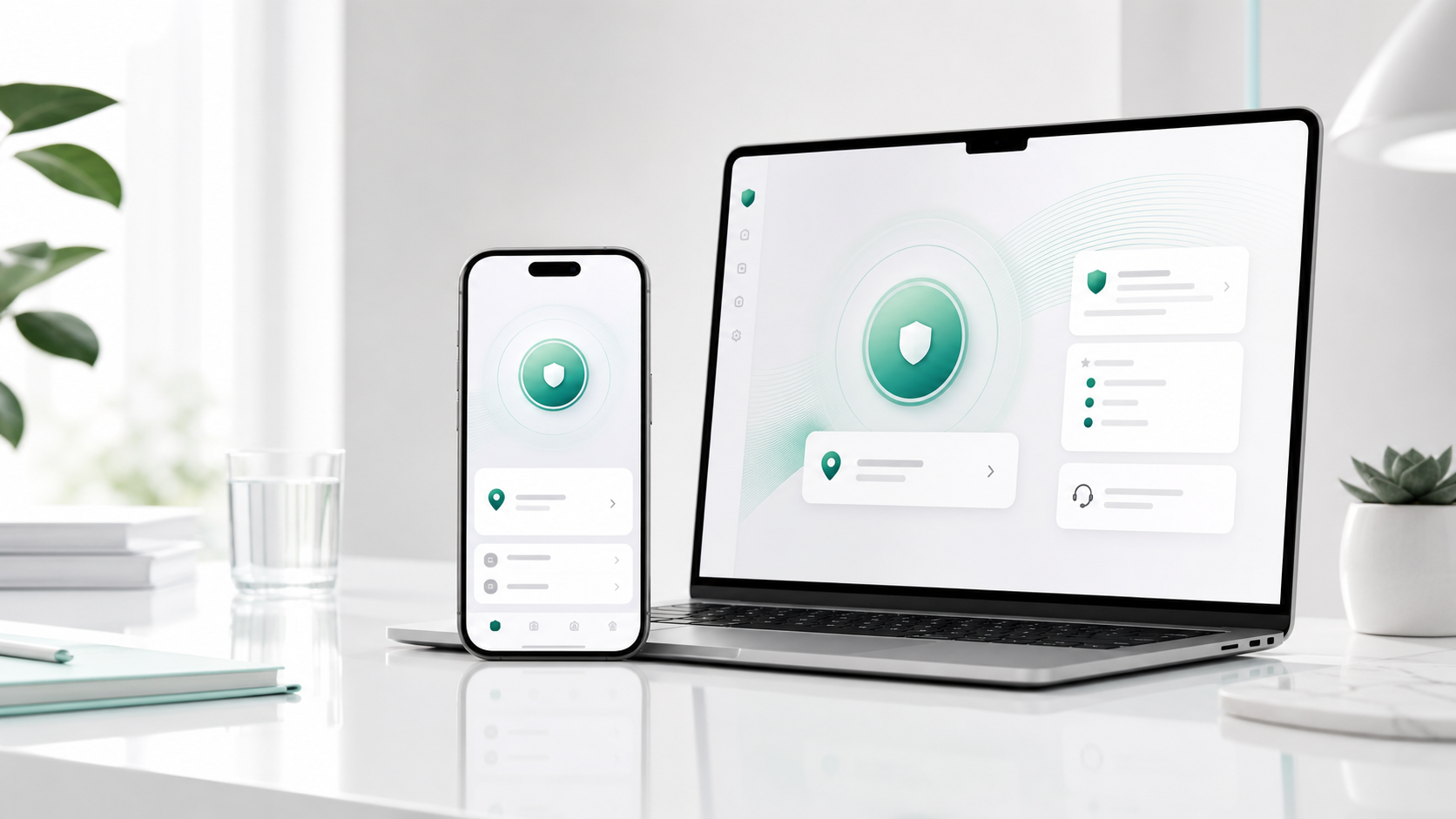
The Mac app supports plan management, support code, and updates. VPN connection details are shown in the app with a clear next step.
Start without personal details; official downloads, support code, and support details stay clear in the app.
Install the official Mac download. If macOS asks, confirm the first open from Finder.
Install from the official download. No account required first.
Open the app and confirm your plan, support code, and location choice are clearly shown.
Clear update prompts keep the connection experience and privacy protections current.
After changing devices or reinstalling, continue with support code and recovery key.
Already subscribed or setting up another device? Open plan management with the account saved on this device.
Web plan management is not available. Manage an App Store subscription through Apple.
View download and App Store guidance