
One-tap connect
The home screen keeps the connect button, current location, access, and one clear note.
Open and use
A private connection for everyday browsing, public Wi-Fi, and travel. One tap to connect. Private by default, with trial, plans, and support easy to find.
24-hour trial · no browsing logs · up to 6 devices
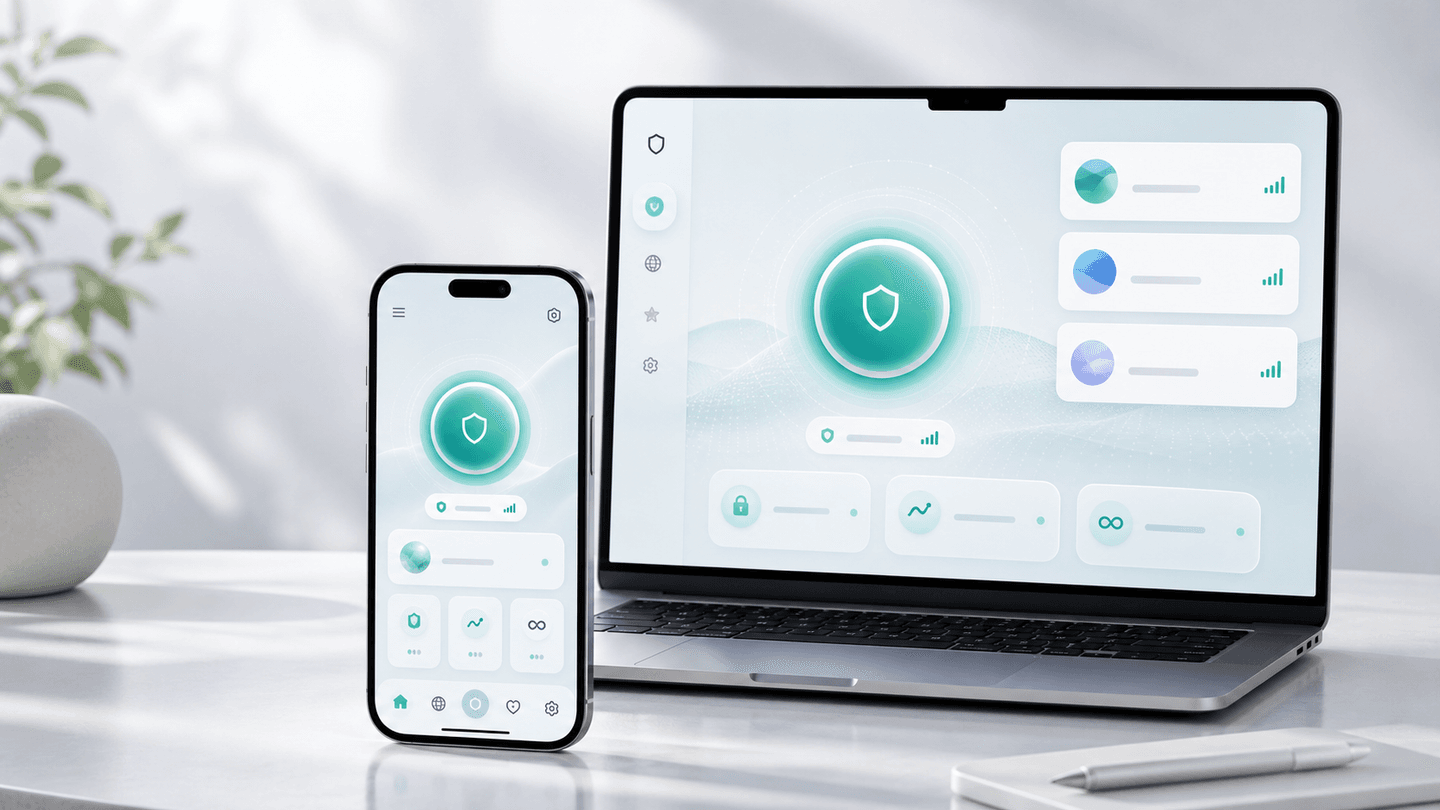
Connection state, Smart Location, membership access, and help stay clear. Support uses a code and essential status, never browsing content.
Clear connection state
Smart location
No browsing logs
Clear help path
The app keeps location choice, connection quality, and privacy defaults ready. Tap connect, then get back to work, chat, or watching.
Smart location ready
Private by default
Support without browsing logs
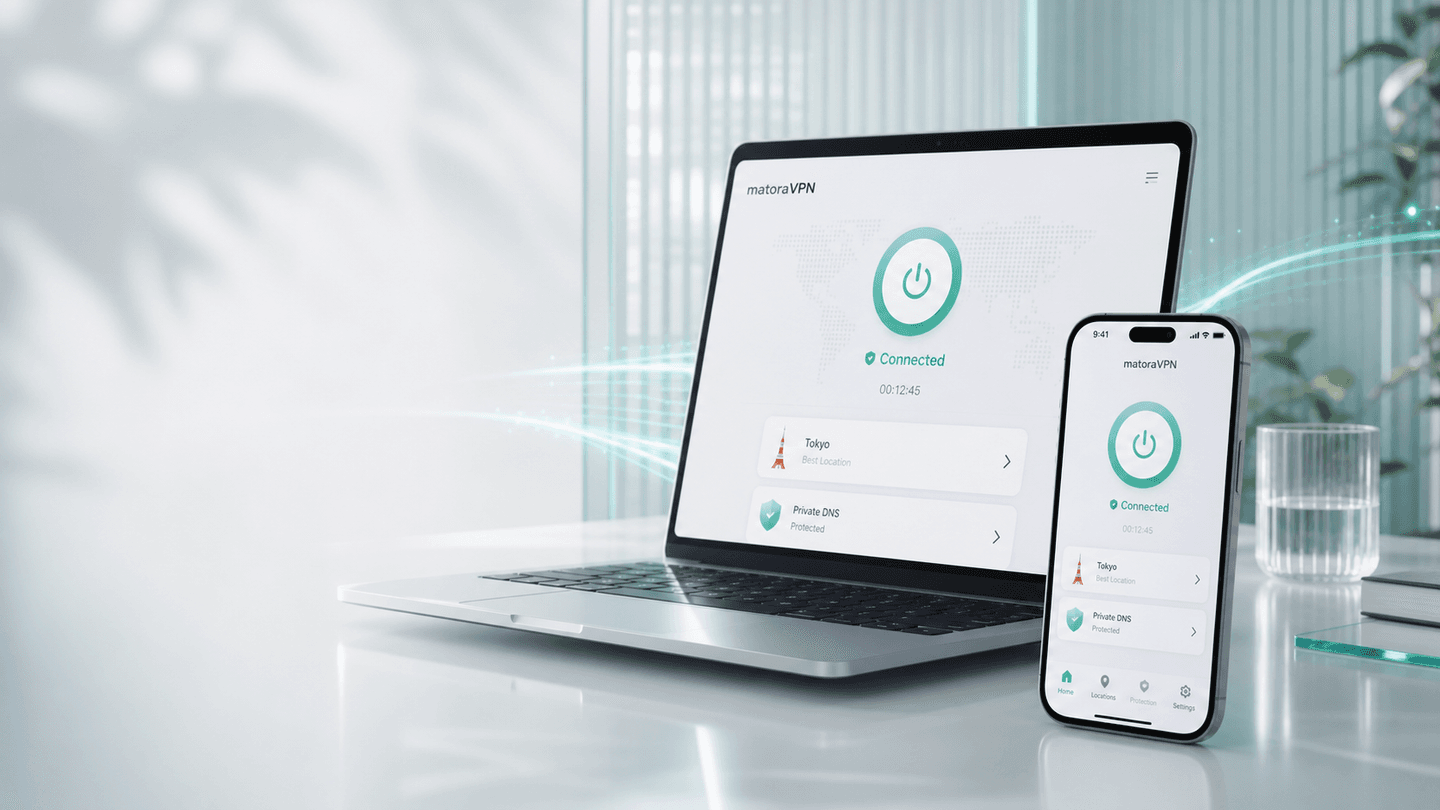
The home screen keeps the essentials visible: connect, current location, access, and one readable note. Faster when you connect, clearer when something needs attention.
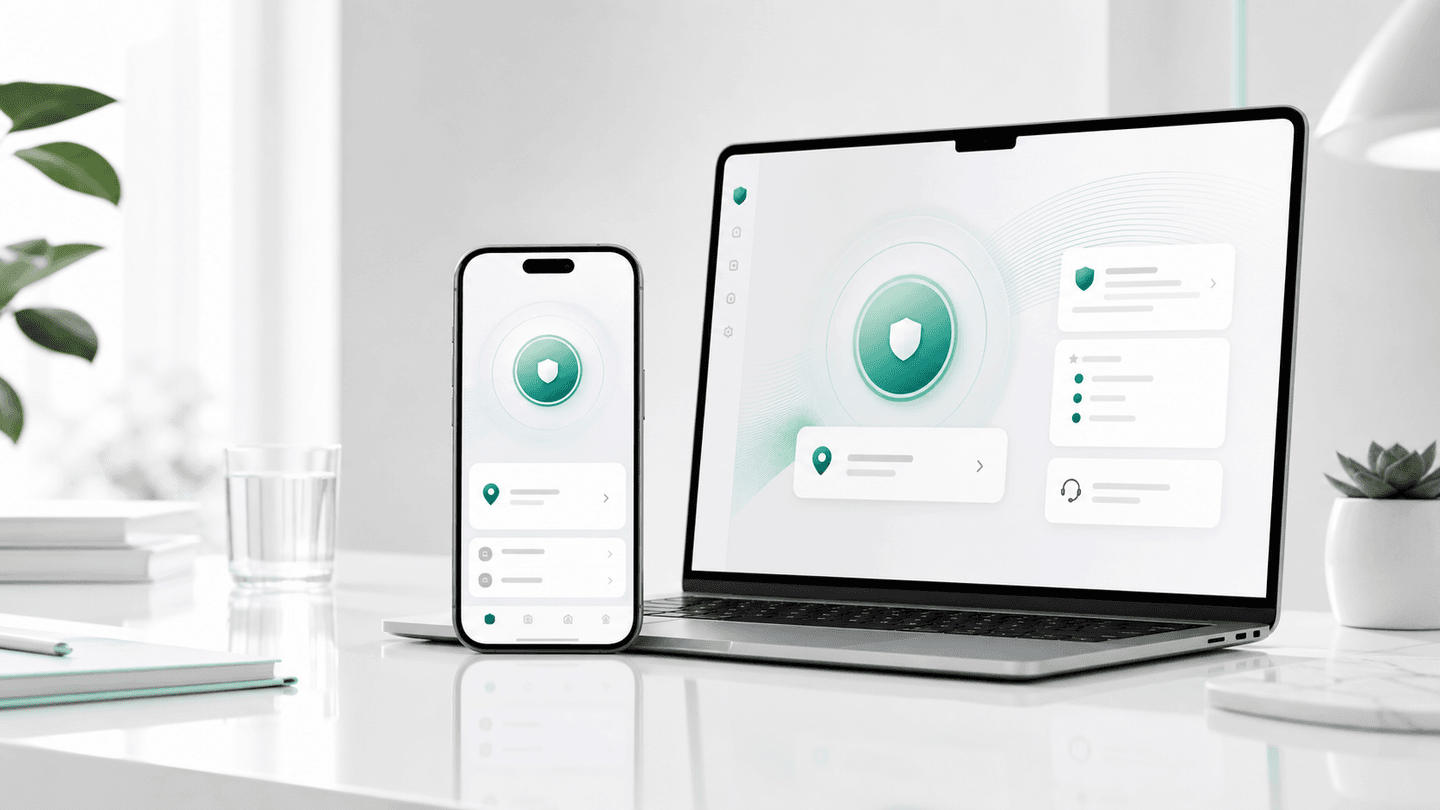
The home screen keeps the connect button, current location, access, and one clear note.
Open and use
When service quality changes, the app favors a steadier location.
Fewer taps
If the connection becomes unstable, the app shows retry, location switch, or support as the next step.
Clear next step
We do not log browsing history, browsing content, or personal connection records.
DNS handling stays with the protected connection without keeping query logs.
Start without personal details. No browsing history or personal connection records.
Install from the official download and start without personal details.
Download: DownloadUse 24 hours to check speed, stability, and device feel.
Try: 24-hour trialWhen connection is available, the app can pick a location for you.
Connect: ConnectWeekly, monthly, quarterly, and yearly plans stay clear, with support-code continuity for device changes.
Plan management: View plansRefunds, service credit, and help are easy to find.
Support care: Get helpLocation choice, privacy defaults, and connection-state guidance stay simple. Support needs a code and essential status, never browsing content.
When service quality changes, matoraVPN favors a steadier location so the app stays simple.
Fewer taps
No browsing history, DNS queries, source IPs, or personal connection records are kept.
No browsing logs
DNS lookups stay inside the protected connection without keeping query logs.
No query logs
DNS handling stays with the protected connection without keeping query logs.
No query logs
When a connection is unstable, the app shows retry, location switch, or support as the next step.
Clear next step
Support needs a code, general location, and error type, not browsing content.
Less data
Subscription status, device allowance, and restore paths stay clear on device.
Tokyo
JP
Smart location
Singapore
SG
Smart location
Los Angeles
US
Smart location
Seattle
US
Smart location
Frankfurt
DE
Smart location
London
GB
Smart location
Sydney
AU
Smart location
Pause briefly when needed and let protection resume automatically, so you do not forget to reconnect.
5 min / 30 min / 2 hr
When a location is unavailable or a purchase needs help, users can check refund status or request service credit by policy.
Refund / service credit
Support uses a support code, general location, and error type. Browsing content is never needed.
Less data